For iPad and Apple Pencil
Just you and
your notebook.
Most note apps cover the page in buttons, toolbars and icons. Notebook puts them all away, so the iPad you already own feels like a real notebook. No new device to buy.
Free for 14 days, then $129.99 a year.

Feels like paper
Warm pages, the feel of real ink, and nothing on the screen but your writing.
Works like digital
- Search your handwriting
- iCloud backup
- Sync across iPads
- Export to PDF
- Endless pages
One notebook, every kind of page
All your favorite notebooks. One iPad.
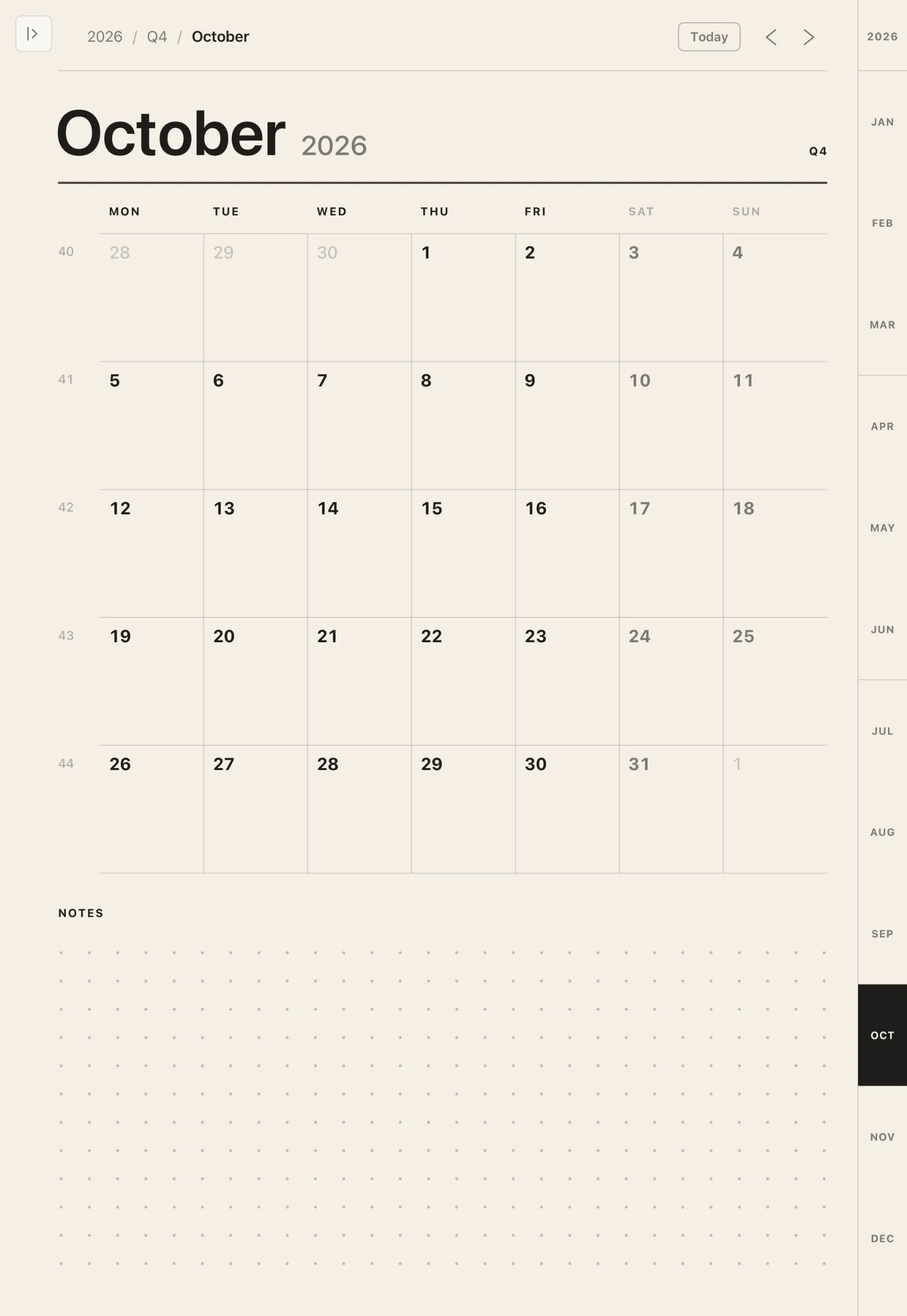
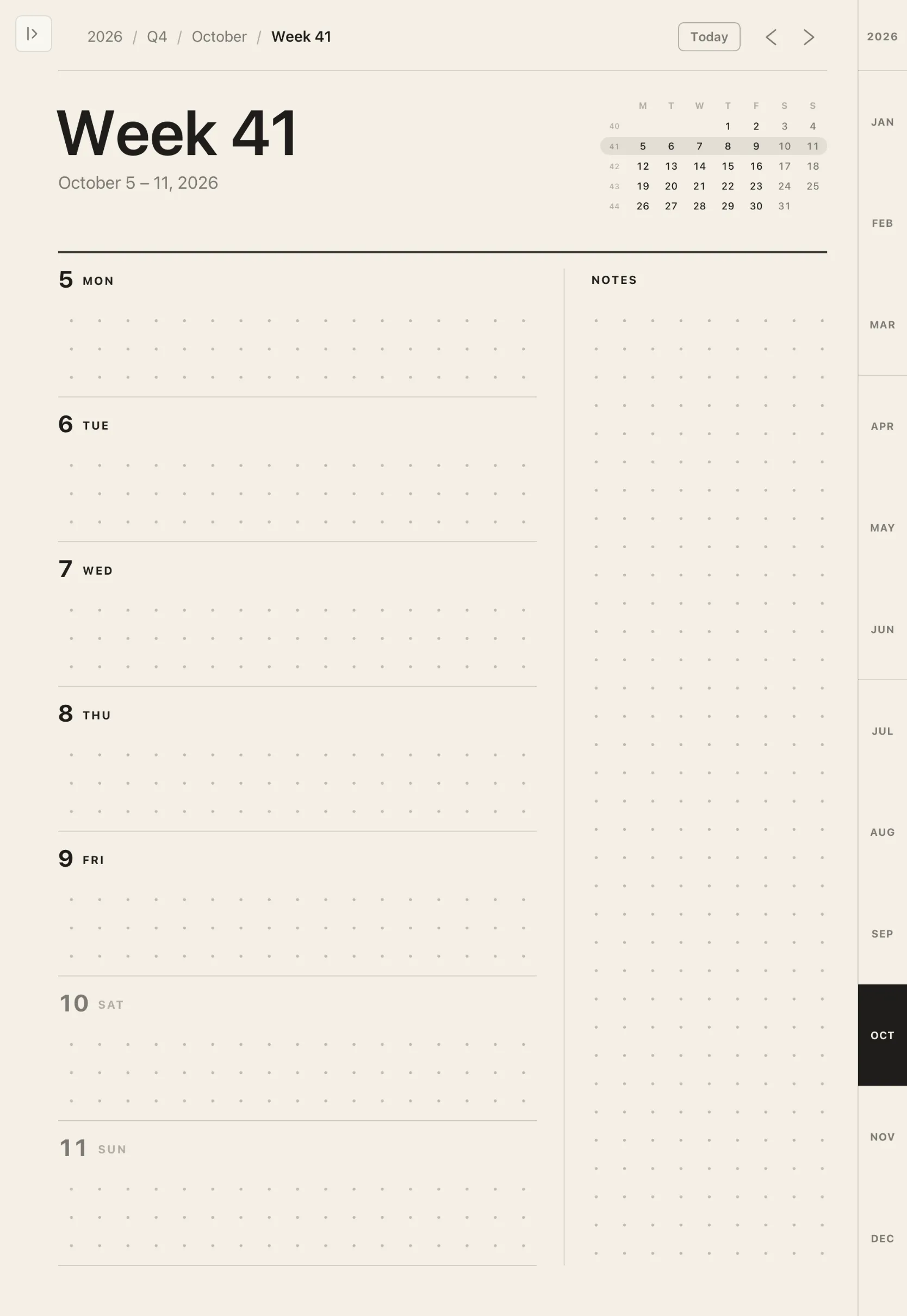
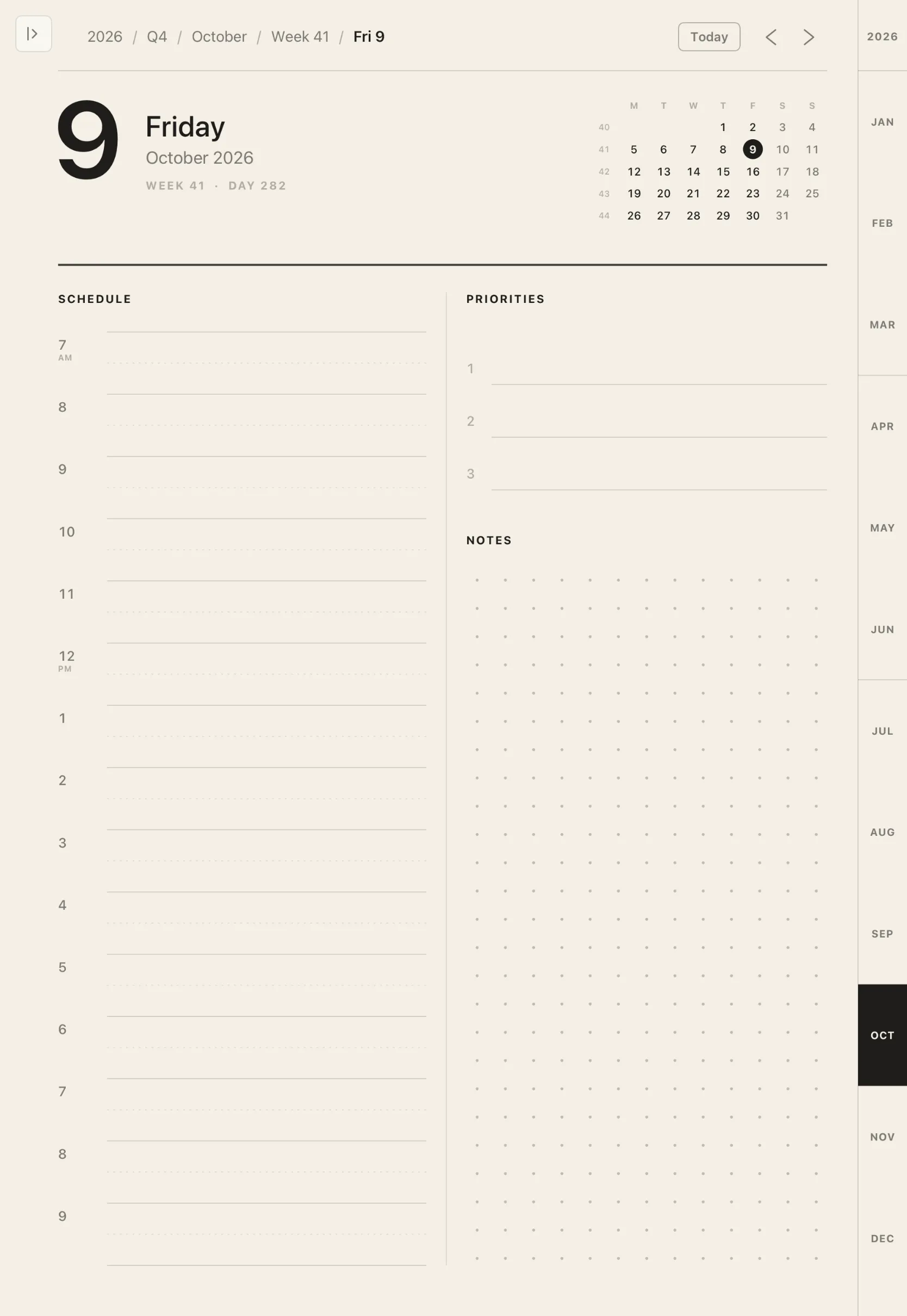
Your planner, your bullet journal, your habit tracker, your meeting notes and your daily reflection, all in one place. No shelf of notebooks to buy, fill and carry.
- Planner
- Bullet journal
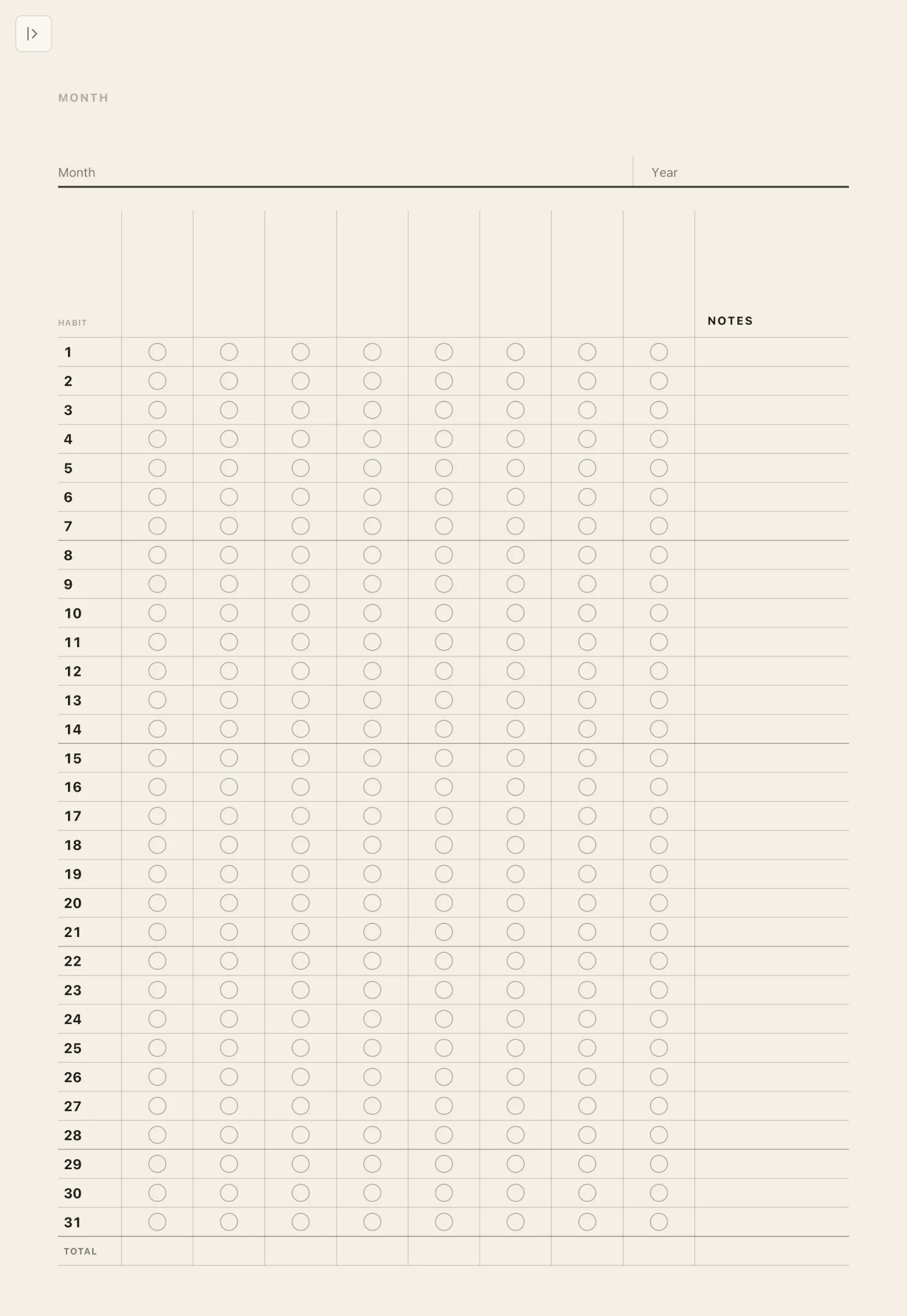
- Habit tracker
- Meeting notes
- Daily reflection


And the paper you love.
Every page is drawn for your exact iPad, edge to edge. Scroll on forever, or swipe to turn the page.
- Dotted
- Grid
- Lined
- Wide lined
- Cornell
- Margin lined
- Blank
Tools
There when you want them.
Tap the small tab in the corner and a slim toolbar slides out: pen, pencil, marker, highlighter, eraser and lasso. Tap again, and it’s gone.
- Double-tap or squeeze
- Switch Apple Pencil to the eraser and back, without looking away.
- Two-finger tap
- Undo the last stroke. Three fingers to redo.


The planner
Every day, one tap from every other.
Year, quarter, month, week and day, each page linked to the next. It runs endlessly in both directions, so it never needs replacing.


Meeting notes
Every meeting, filed as you go.
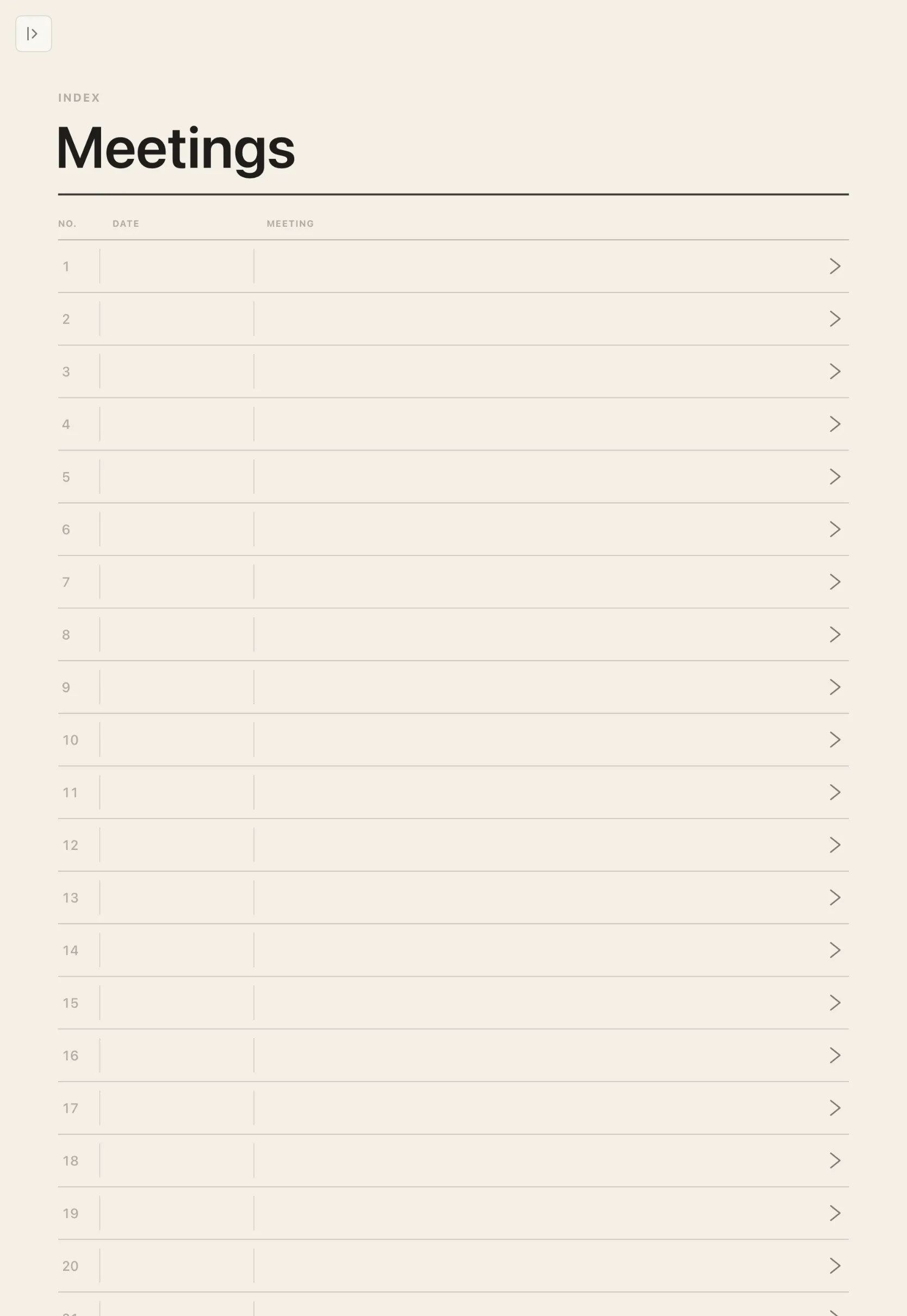
An index page lists each meeting and links straight to its notes. Choose a format that suits the room.
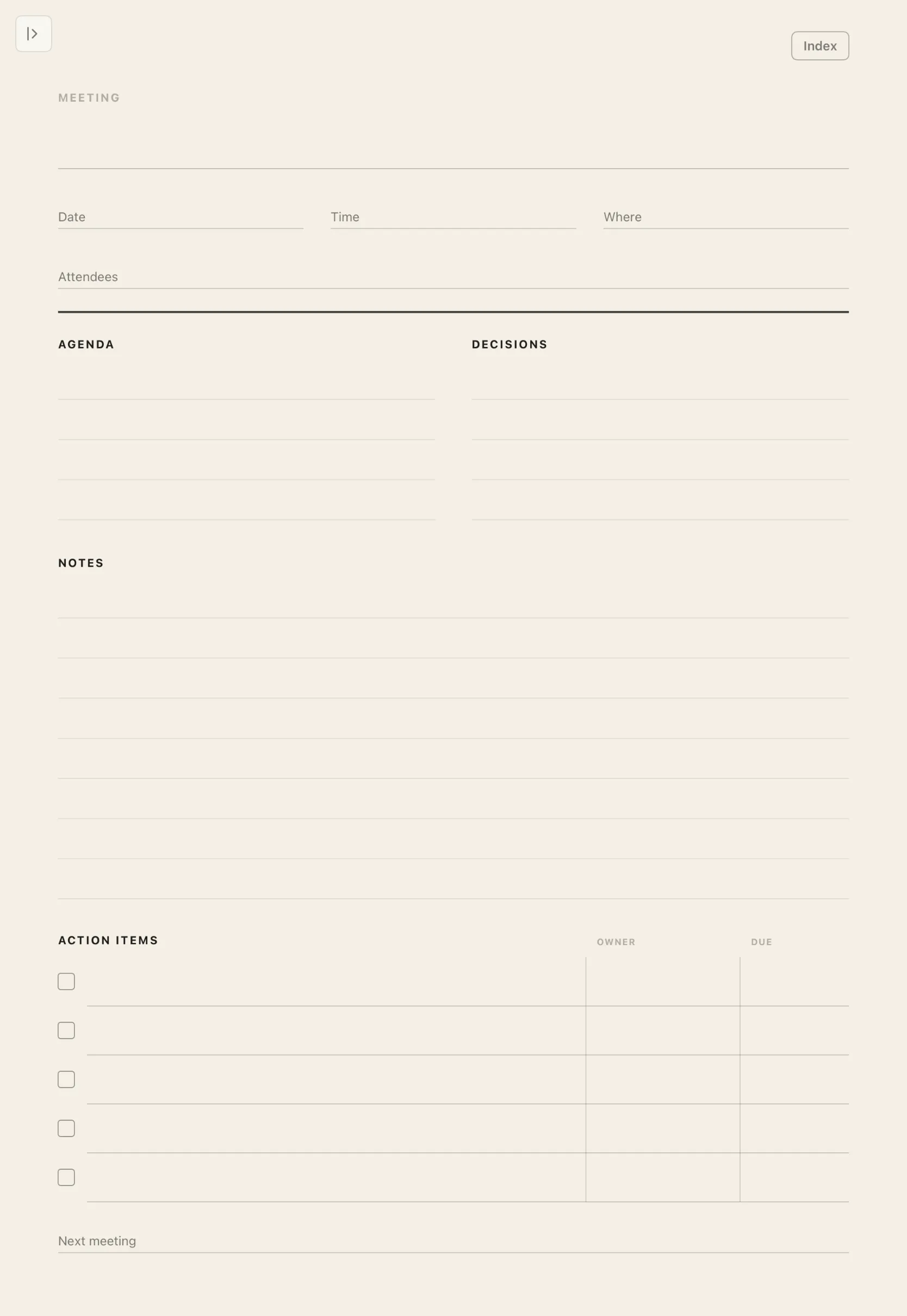
- Action-focused
- Agenda, decisions, and action items with owners and due dates.
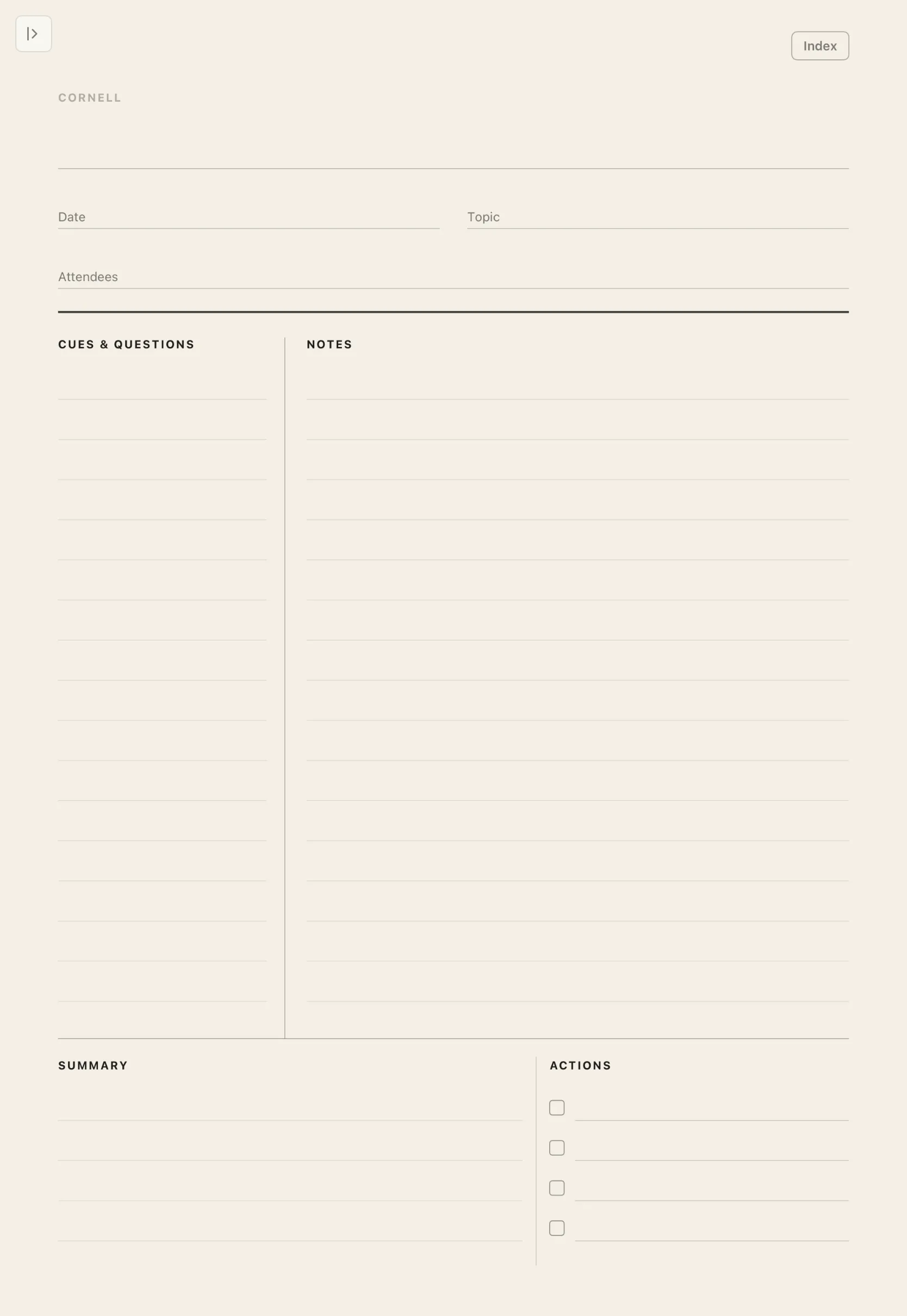
- Cornell
- Cues and questions beside your notes, with a summary at the end.
- One-on-one
- Shared topics, feedback and follow-ups, meeting after meeting.
- Standup
- Yesterday, today and blockers. Quick to fill, easy to scan.


Templates
A page for every practice.
Three more designed notebooks, made with the same care as the planner. Open one and start writing.

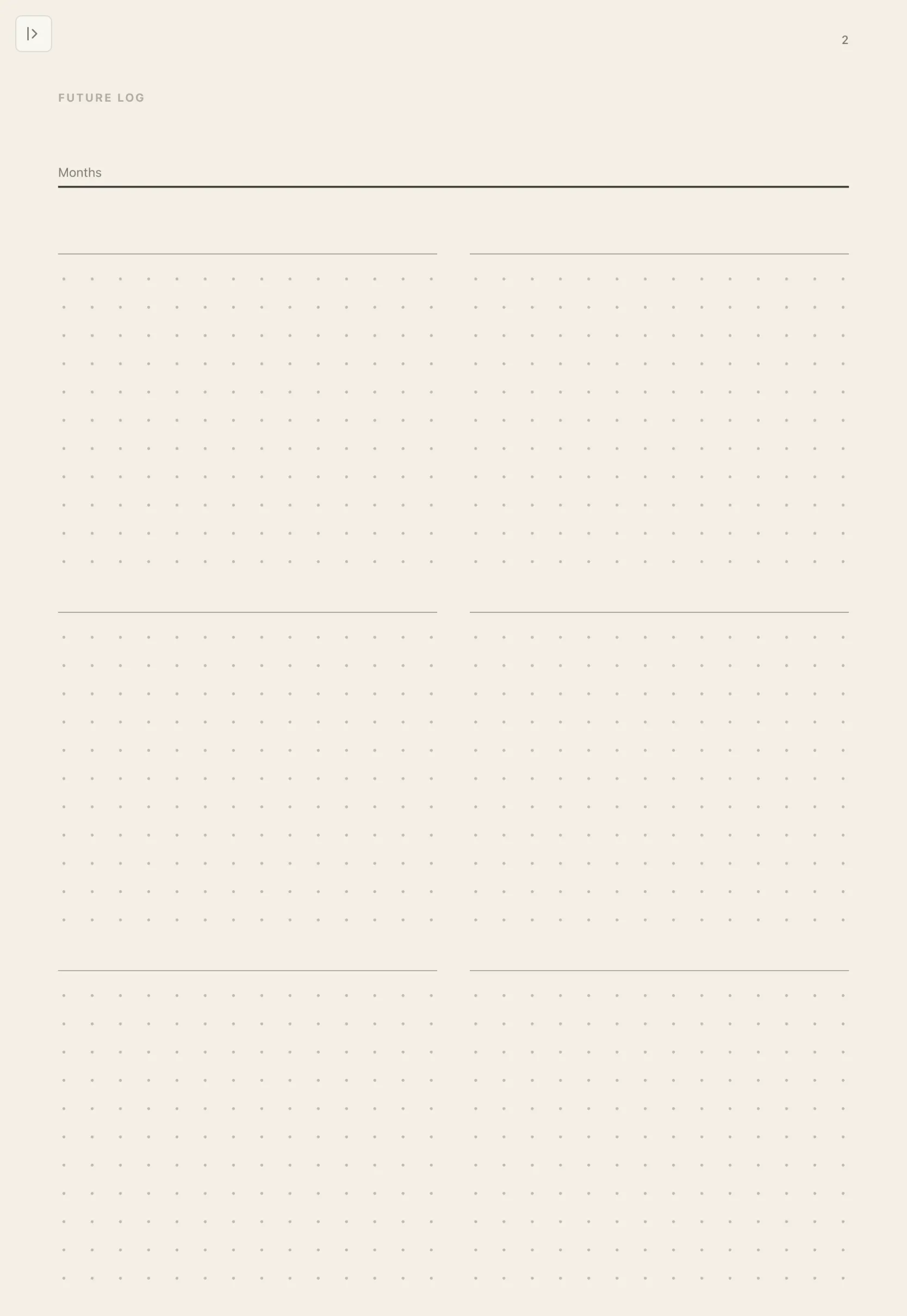
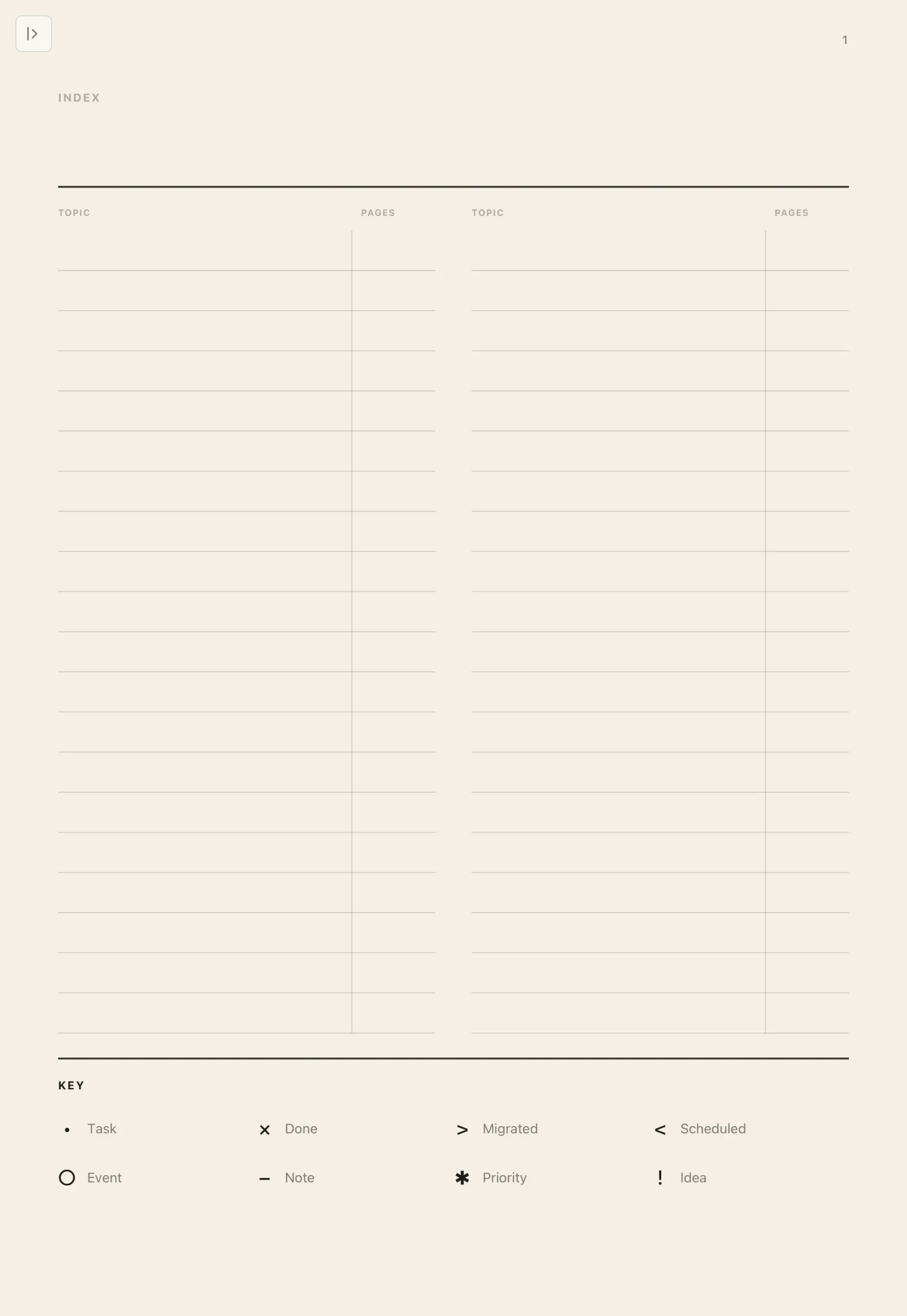
Bullet journal
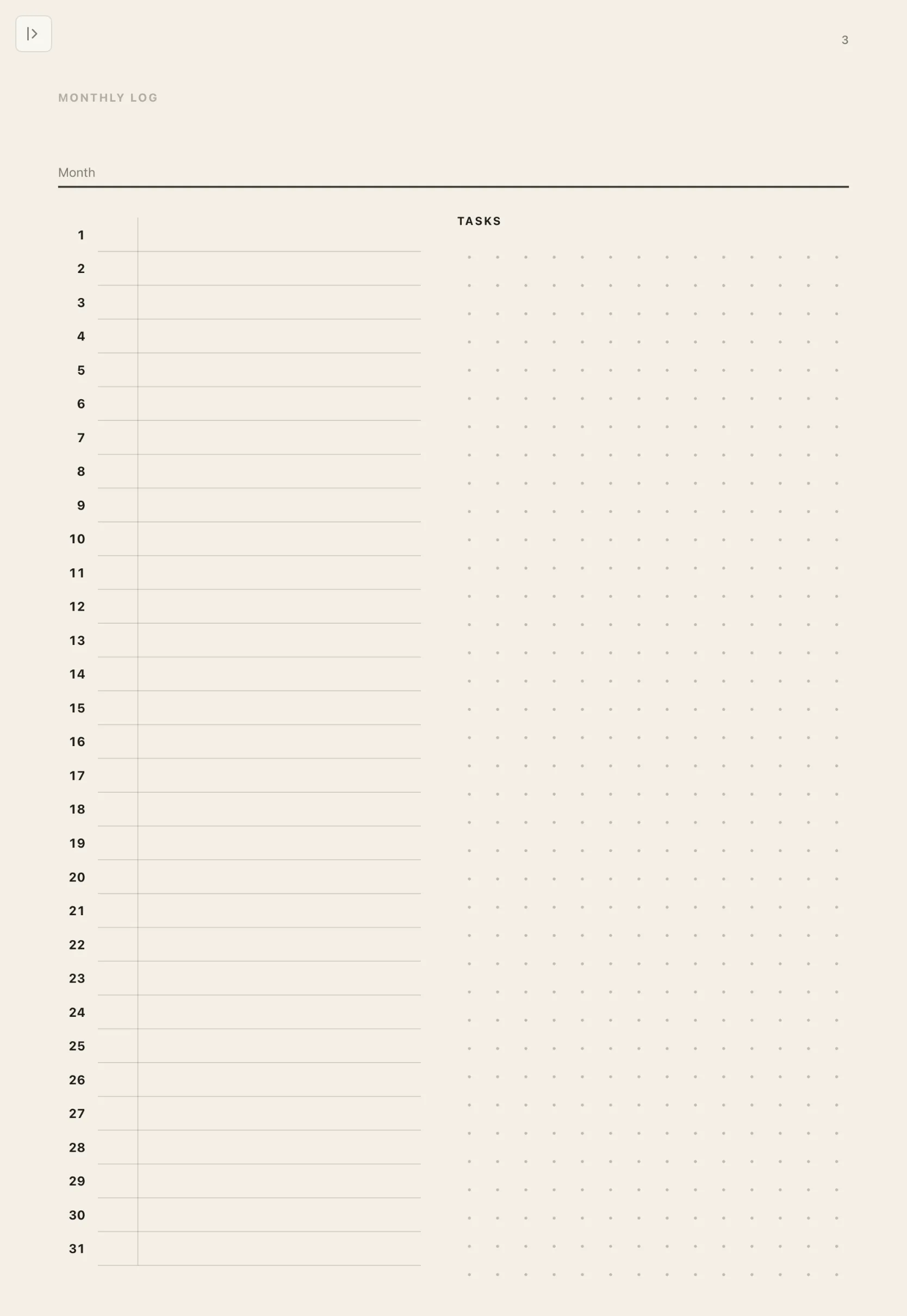
An index with a key, a future log, monthly logs and numbered dot-grid pages. Page numbers you write in the index become links.
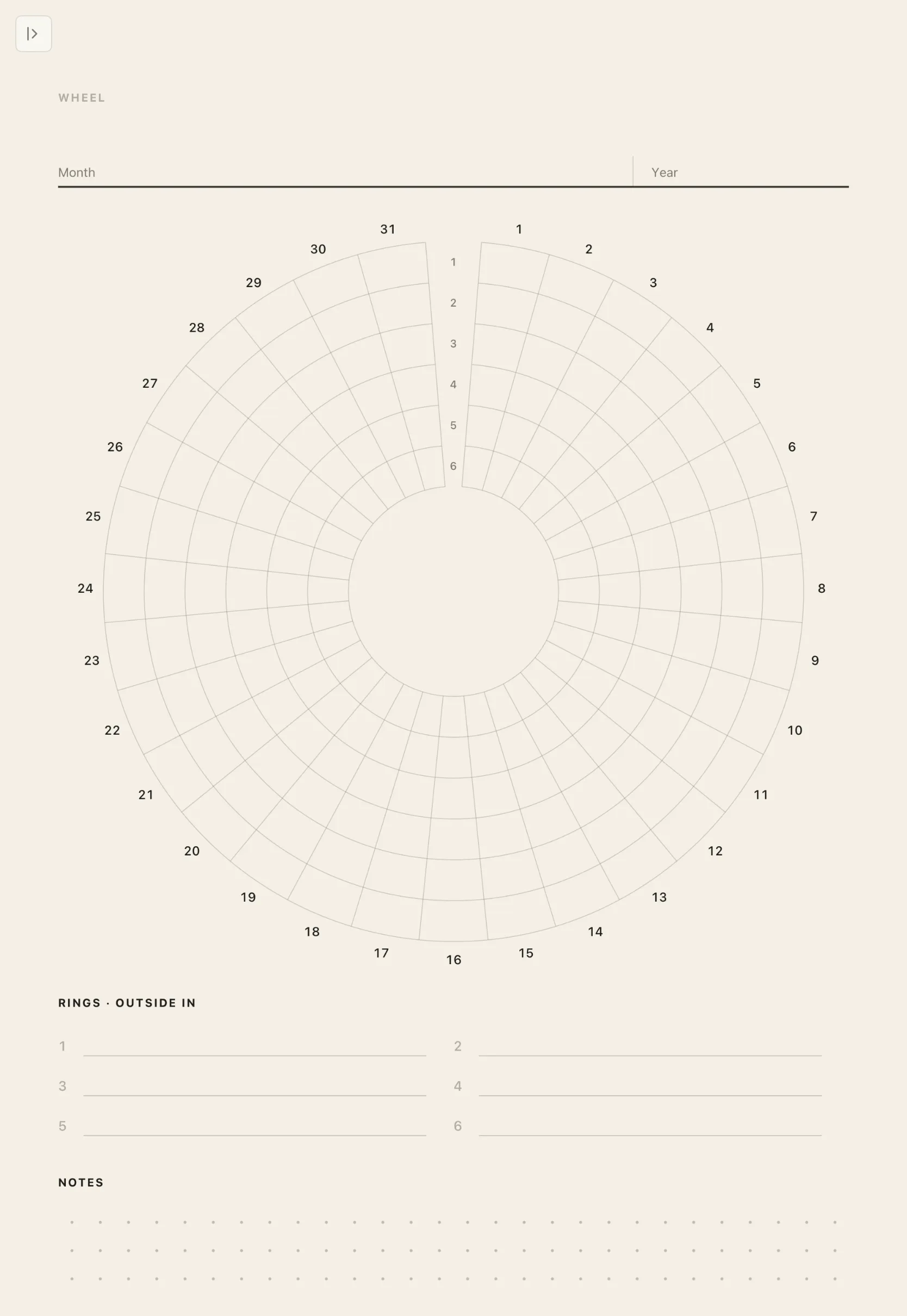
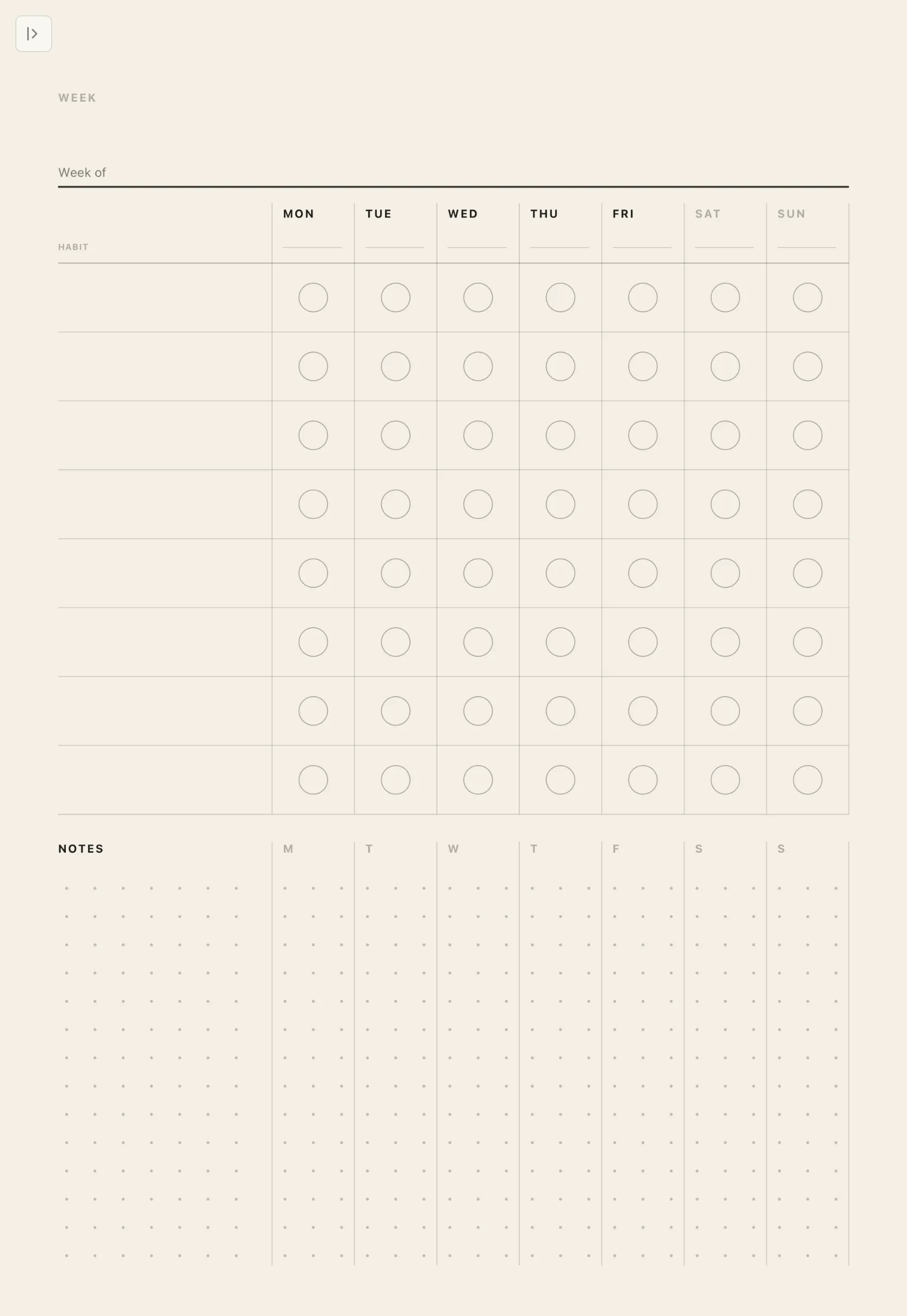
Habit tracker
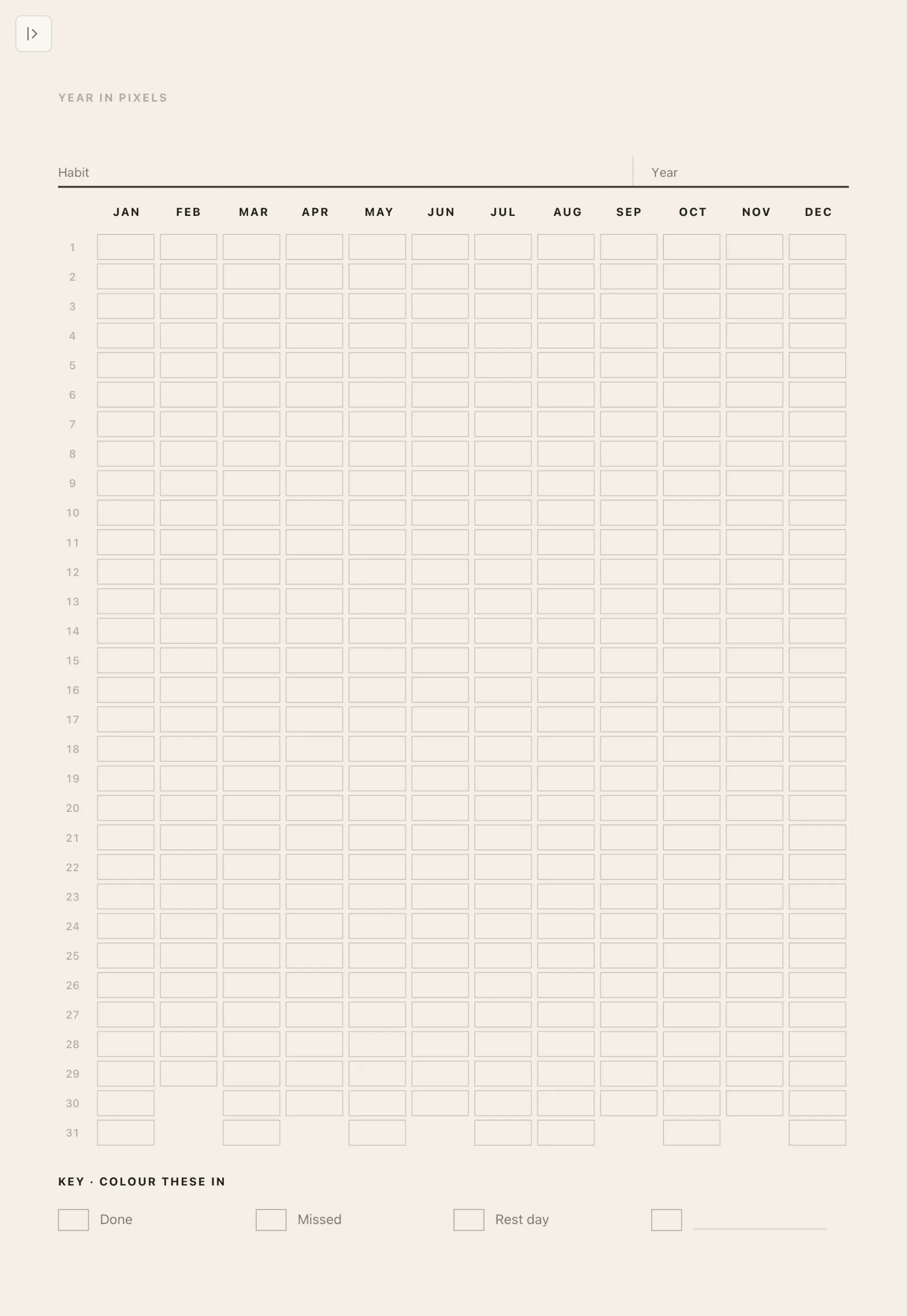
Four styles: Month, Week, Wheel and Year in pixels. Nothing to set up. Write your habits in by hand, then mark each day with any pen, marker or highlighter.
Daily reflection
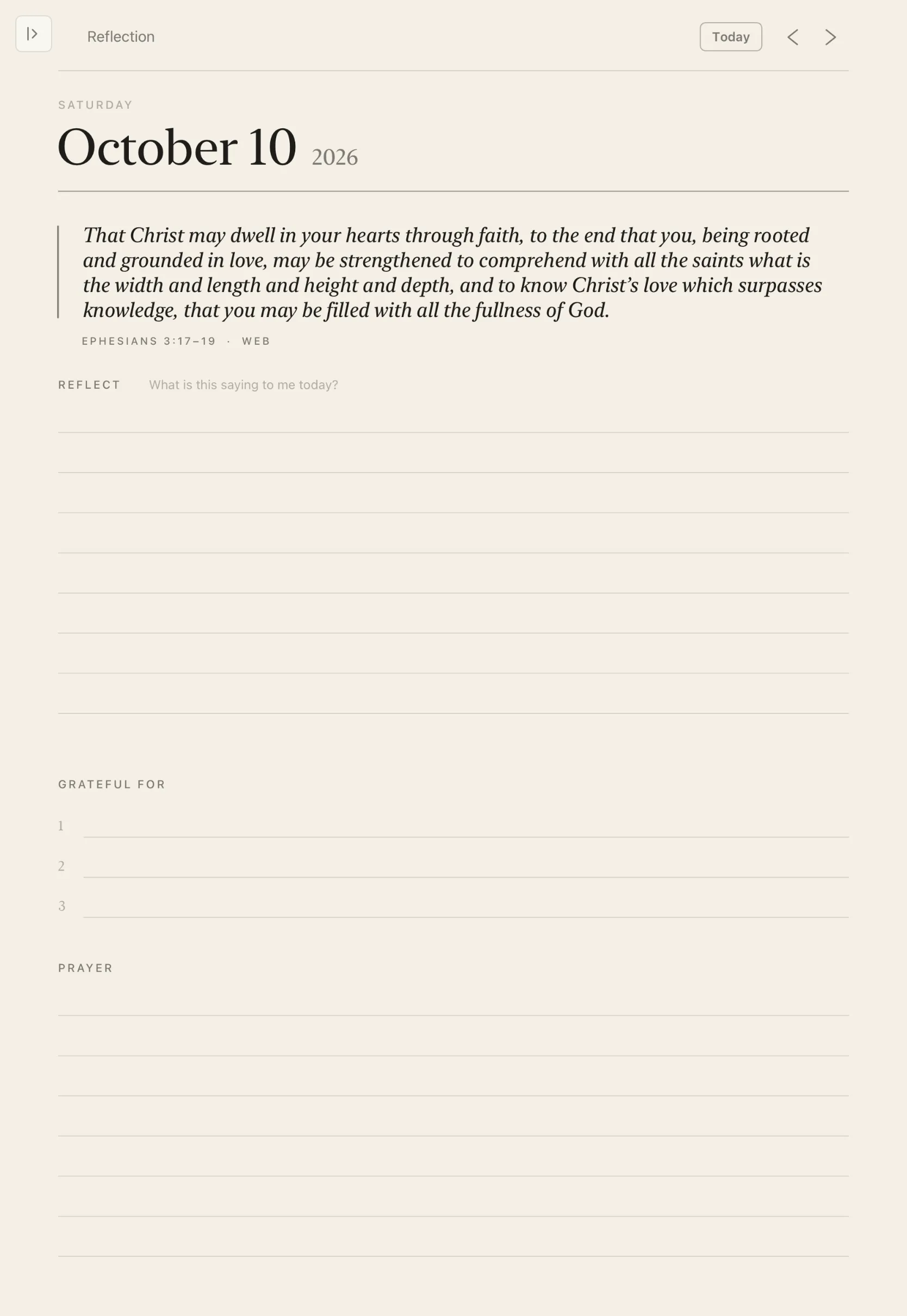
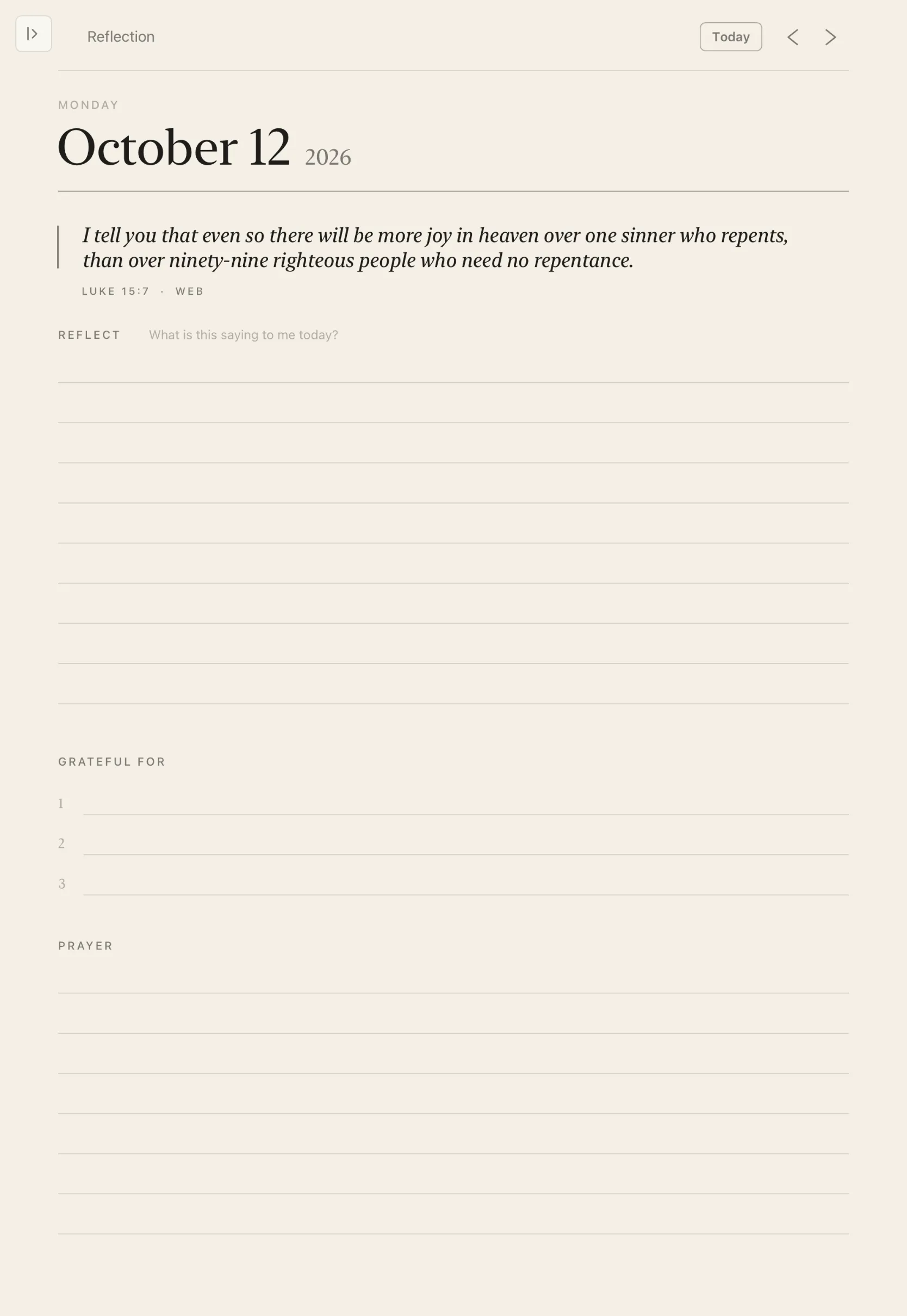
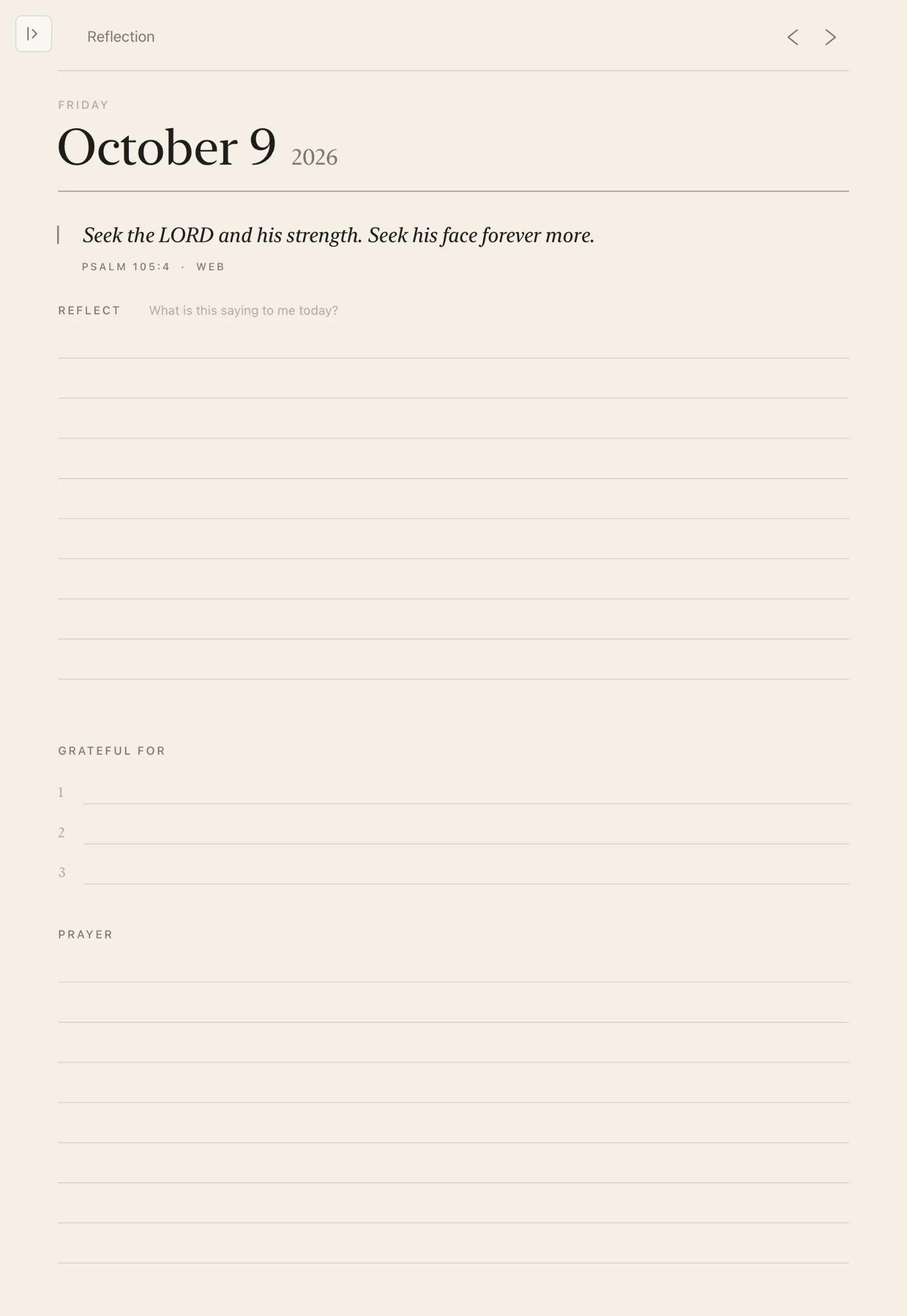
Every day opens with a Bible verse, from the World English Bible or King James Version, then Reflect, Grateful for and Prayer. Swipe between days, or tap Today.


Your library
A shelf worth keeping.
Bind each notebook in a hardcover of Classic, Leather or Linen, in eight colors. Gather them into folders, and pin the ones you reach for every day.

Bring your own paper
Your PDFs. Your templates.
Write on anything you bring in, with the same ink as everything else. Then send it back out as a clean PDF.

Import PDFs
Mark up papers, forms and slides right on the page.
Your own templates
Turn any PDF into paper you can reuse in every notebook.
Scan documents
Capture handouts, receipts and whiteboards with the camera.
Export
Share any notebook as a flattened PDF that opens anywhere.
Handwriting search
Find the words you wrote.
Search reads your handwriting. Look across your whole library and see every page where a word appears, with the match highlighted right on the page. Or search inside a single notebook.


The small things, done well.
Bookmarks
A ribbon marks the page. A list of bookmarks takes you straight back to it.
Page links
Write “see p. 12” and it becomes a link, shown with a faint dotted underline. Tap to go there.
Home Screen widgets
Start a new note, open today’s page, or read the verse of the day.
iCloud sync
Your notebooks follow you to every iPad you own, through your own iCloud.
Private
No account to create and no ads. Your notes are yours.
Always paper
Warm, light pages by design, so your notes always look like notes.

Write a page number and it becomes a link.
Pricing
One plan. Everything included.
Try every feature free for 14 days.
That’s $10.83 a month, billed yearly.
Billed monthly. Cancel any time.
- Every paper, cut to your iPad
- The linked planner, in three styles
- Meeting notes, bullet journal, habits and daily reflection
- Hardcover covers, folders and pinning
- PDF import, scanning and export
- Handwriting search, bookmarks and page links
- iCloud sync and Home Screen widgets
Free for 14 days, then billed through the App Store. Cancel any time in Settings.
Questions
Which iPads does it work on?
Notebook works on iPads that support Apple Pencil. Every page is drawn for your exact model, so it fills the screen edge to edge.
Is there an iPhone or Mac version?
No. Notebook is made for iPad and Apple Pencil, and only for them. That focus is what lets it feel like paper.
Is there a dark mode?
No, by design. Notebook is always light paper: warm, calm and easy on the eyes, like a real page.
What happens after the free trial?
After 14 days your subscription begins at the plan you chose. Cancel any time before then in Settings and you won’t be charged.
Can I use my own templates?
Yes. Import any PDF and use its pages as paper. Design at your iPad’s proportions and it fits edge to edge.
Where are my notes stored?
On your iPad, and in your own iCloud account if you turn on sync. Notebook has no account to create and shows no ads.
Just you and your notebook.
On the iPad you already own. 14 days free, everything included.